On this page
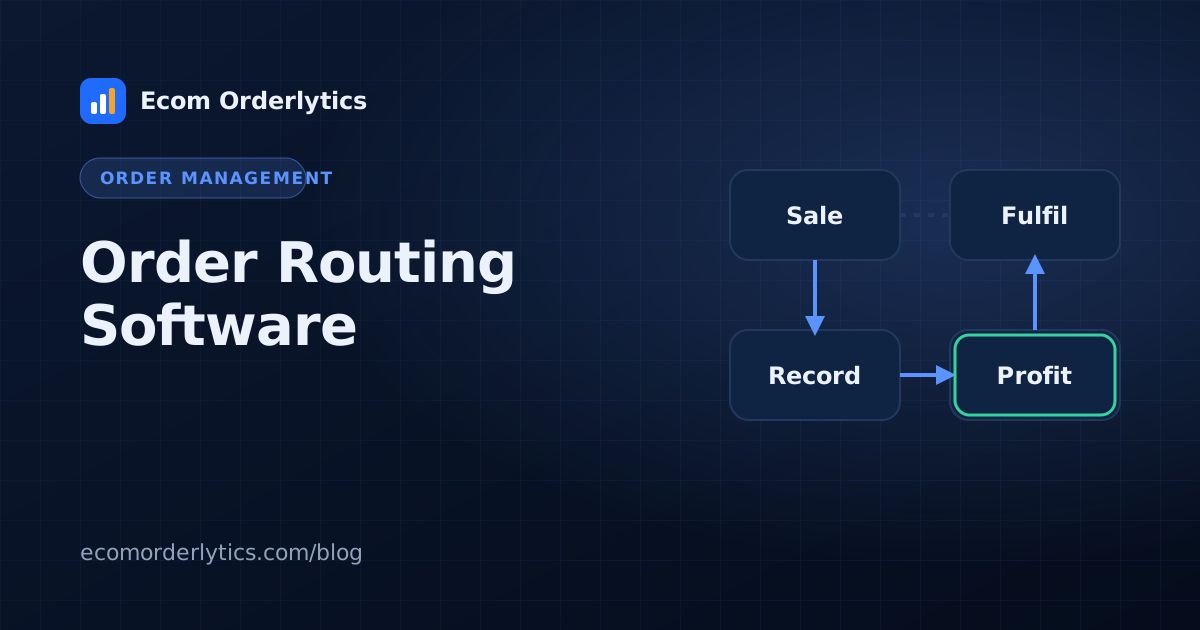
Order routing software decides where each order goes. When you have more than one way to fulfil an order, such as two warehouses, several suppliers or a mix of print providers, routing rules replace the daily guesswork.
How order routing works
- An order arrives from a store or marketplace.
- The software checks it against your rules.
- The order (or each line in it) is assigned to a destination.
- The order is sent by integration, email, CSV or FTP.
- Tracking flows back when the order ships.
Common routing rules
| Rule type | Example |
|---|---|
| Product or SKU | Mugs go to Printer A, posters to Printer B |
| Location | EU orders ship from the EU warehouse |
| Stock | Use Warehouse 2 when Warehouse 1 is out |
| Cost | Pick the cheapest source for the item |
| Shipping speed | Express orders go to the fastest source |
| Channel | Wholesale orders go to the 3PL, retail to own stock |
Routing at different scales
- Small sellers often route by hand using a rule sheet.
- Growing sellers add routing rules for their top products.
- Larger operations route every order automatically and only review exceptions.
Signs your routing needs attention
- Orders regularly go to the wrong source
- Split shipments where one shipment would have done
- Costs rising without a change in volume
- One source with much higher refund or delay rates
Measure routing with real numbers
Routing is a decision, and decisions should be judged on results. Track, per fulfilment source: cost per order, delivery time, refund rate and profit. For dropshippers, our guide to dropshipping order routing shows a simple supplier scorecard.
Routing tools and profit tools
Order routing software such as Order Desk is built to move orders. Ecom Orderlytics does not route orders; it shows what each account earned after every cost, so you can see whether your routing choices pay off. Many sellers use one of each. See our Order Desk alternative comparison.
Frequently asked questions
What does order routing software do?
It applies rules to each order and sends it, or parts of it, to the supplier, printer, warehouse or 3PL best placed to fulfil it.
Who needs order routing software?
Businesses with several fulfilment sources: multiple suppliers, print providers, warehouses or a mix of own stock and dropshipping.
How do I know routing is working?
Compare cost, delivery time and refund rate per fulfilment source before and after routing changes.