On this page
If you are searching for an Order Desk alternative, start with one question: what problem are you trying to solve? Order management tools fall into two broad groups, and picking the wrong type is the most common mistake.
Two kinds of order tools
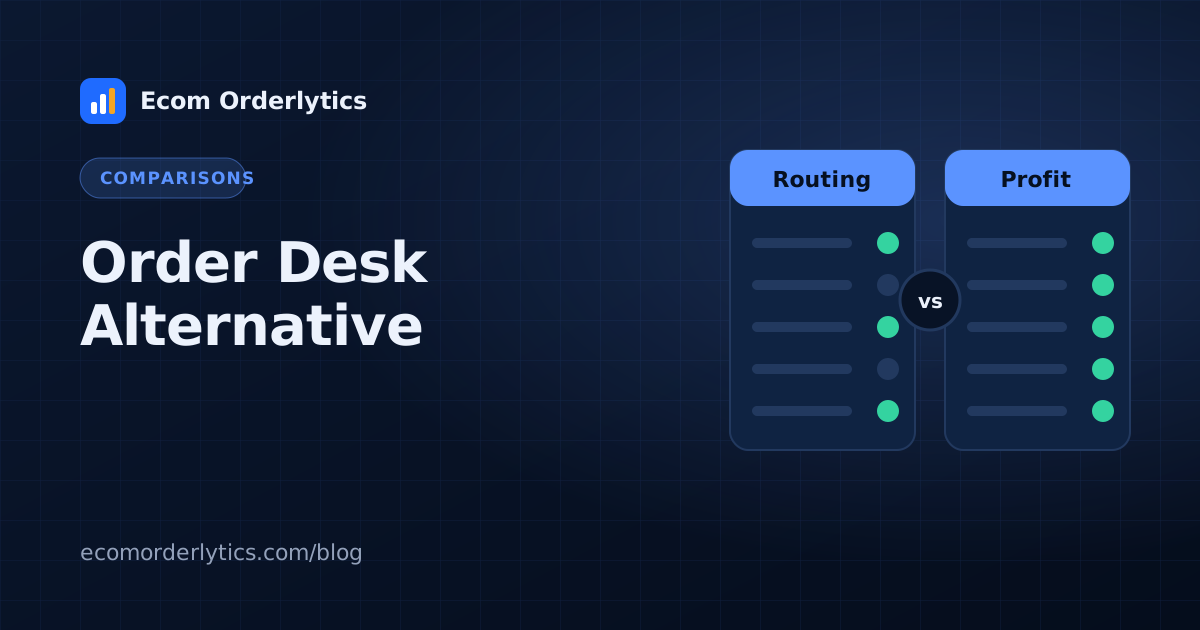
Order routing and automation tools move orders between systems. Order Desk is well known in this group: it describes itself as an order management tool that connects storefronts, fulfilment services and print-on-demand providers, routes orders with rules and syncs tracking and inventory back.
Order tracking and profit tools read your order data and tell you what each account, VA and client earned. That is where Ecom Orderlytics sits.
When an order routing tool fits
- You sell your own stock or print on demand at volume.
- Orders must be pushed automatically to warehouses, printers or 3PLs.
- You need inventory synced across channels.
If that is you, a routing tool is the right category.
When Ecom Orderlytics fits better
- Your team (or VAs) already place supplier orders and record them in Google Sheets.
- You run several marketplace accounts, often in different currencies.
- You need real profit: payout minus sourcing, shipping, prep and refunds.
- You need VA logins that show only assigned accounts.
- You are an agency that needs client portals with your logo.
Side by side
| Order routing tools | Ecom Orderlytics | |
|---|---|---|
| Main job | Send orders to suppliers, printers, warehouses | Show profit per account, day and month |
| Data source | Store and marketplace integrations | Your Google Sheet (auto-sync), CSV, Excel, paste, manual, VA portal |
| Profit, margin, ROI per account | Varies | Built in |
| VA logins with limited accounts | Varies | Pro and Agency plans |
| Client portals with your logo | Not the focus | Agency plan |
| Starting price | See vendor's pricing page | $12 / Rs 2,999 per month |
Always check each vendor's current pricing and features before deciding; they change.
Questions to ask before choosing any tool
- Where do my orders live today? In integrations, or in sheets my team updates?
- What do I need most? Automatic routing to suppliers, or a clear profit view?
- Who needs access? Only me, or VAs and clients with limited views?
- How many accounts and currencies? One store, or many in different markets?
- What will reporting look like? Do clients or partners expect monthly reports?
Your answers usually point clearly to one category.
A typical Ecom Orderlytics setup
- Add each store with its platform, marketplace and currency.
- Connect each store's Google Sheet with auto-sync (or import a CSV or Excel file).
- Add VAs and choose their accounts (Pro and Agency plans).
- Add clients and give them portals (Pro and Agency plans).
- Review the dashboard daily and download PDF reports monthly.
Pricing at a glance
| Plan | Price | Accounts | Adds |
|---|---|---|---|
| Basic | $12 / Rs 2,999 per month | 3 | Dashboard, reports, PDFs, sheet sync |
| Team | $29 / Rs 7,999 per month | 10 | VA logins, VA reports and payments |
| Agency | $59 / Rs 14,999 per month | 25 | Client portals, your logo on PDFs |
Can you use both?
Yes. Some sellers route orders with an automation tool and keep a clean order sheet that feeds Ecom Orderlytics for profit and reporting.
Try it
Start a free 7-day trial with every feature, connect one sheet, and see your profit per account the same day. Or read Google Sheets vs order management software first.
Frequently asked questions
Is Ecom Orderlytics a replacement for Order Desk?
They solve different problems. Order Desk focuses on routing orders to suppliers, printers and warehouses. Ecom Orderlytics focuses on tracking profit, VAs and client reporting from your order data.
Can I use both?
Yes. Some sellers route orders with one tool and track profit with another.
Does Ecom Orderlytics have a free trial?
Yes, a free 7-day trial with every feature.