On this page
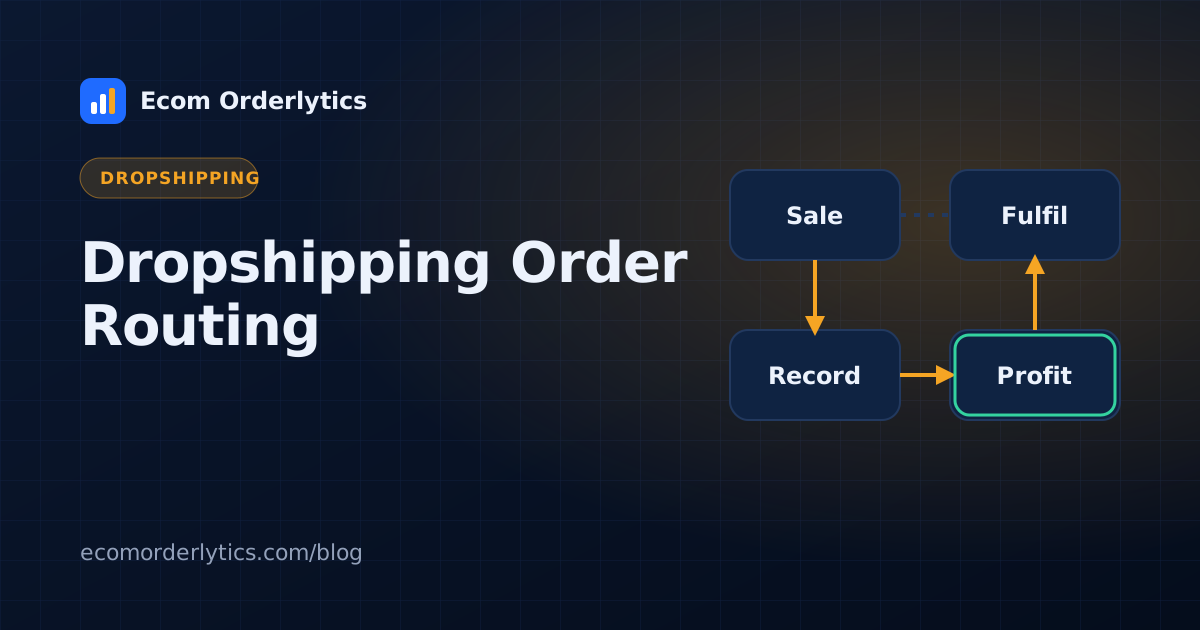
Order routing decides which supplier fulfils each order. For dropshippers with more than one source for the same product, good routing can be the difference between a profitable order and a refund.
Common routing rules
| Rule | Example |
|---|---|
| By product | Product A always from Supplier 1 |
| By price | Use the cheapest in-stock supplier |
| By speed | Use the fastest supplier for express orders |
| By destination | UK orders from a UK supplier |
| By stock | Fall back to Supplier 2 when Supplier 1 is out |
Manual routing with a rule sheet
Many teams route by hand. Keep a simple rule sheet your VAs can follow:
- List each product with its primary and backup supplier.
- Add a maximum cost above which the VA must check with you.
- Note any destination rules.
Update the sheet whenever supplier prices or stock change.
Automated routing
Routing software applies rules to every order and sends it to the chosen supplier automatically. It works best when suppliers have integrations or accept orders by email or CSV, and when product data is clean. Order routing tools such as Order Desk are built for this; see our comparison.
Measure your routing decisions
Routing is only as good as its results. Each month, compare by supplier:
- Average profit per order
- Refund rate
- Average delivery time
- Late shipment rate
Move volume towards suppliers who win on profit and reliability together.
Track routing results with Ecom Orderlytics
Ecom Orderlytics does not route orders, but it shows whether your routing works. Every order records its supplier and costs, and the dashboard shows profit per account. Pair it with the supplier scorecard from supplier order management.
Frequently asked questions
What is dropshipping order routing?
Deciding which supplier fulfils each order, based on rules such as product, stock, price, shipping speed or destination.
Do I need software to route orders?
Not always. Small teams route by hand using a simple rule sheet. Routing software helps at high volume with stable suppliers.
How do I know if my routing is working?
Compare profit, refund rate and delivery times by supplier each month.