On this page
WooCommerce gives WordPress store owners full control over their shop. That flexibility extends to order management: you can keep it simple with the built-in screens, or add plugins for shipping, automation and reporting.
What WooCommerce gives you
- An orders screen with statuses (pending, processing, completed, refunded, cancelled)
- Order notes and customer emails
- Refunds
- Basic analytics and reports
Common plugin categories
| Category | What it adds |
|---|---|
| Shipping and labels | Carrier rates, labels, tracking emails |
| Order export | CSV or Excel exports in custom formats |
| Automation | Status changes, tagging, notifications |
| Dropshipping | Supplier order forwarding |
| Accounting | Sync with bookkeeping tools |
Each plugin adds maintenance. Keep only the ones you actively use, and keep them updated.
Recording costs for real profit
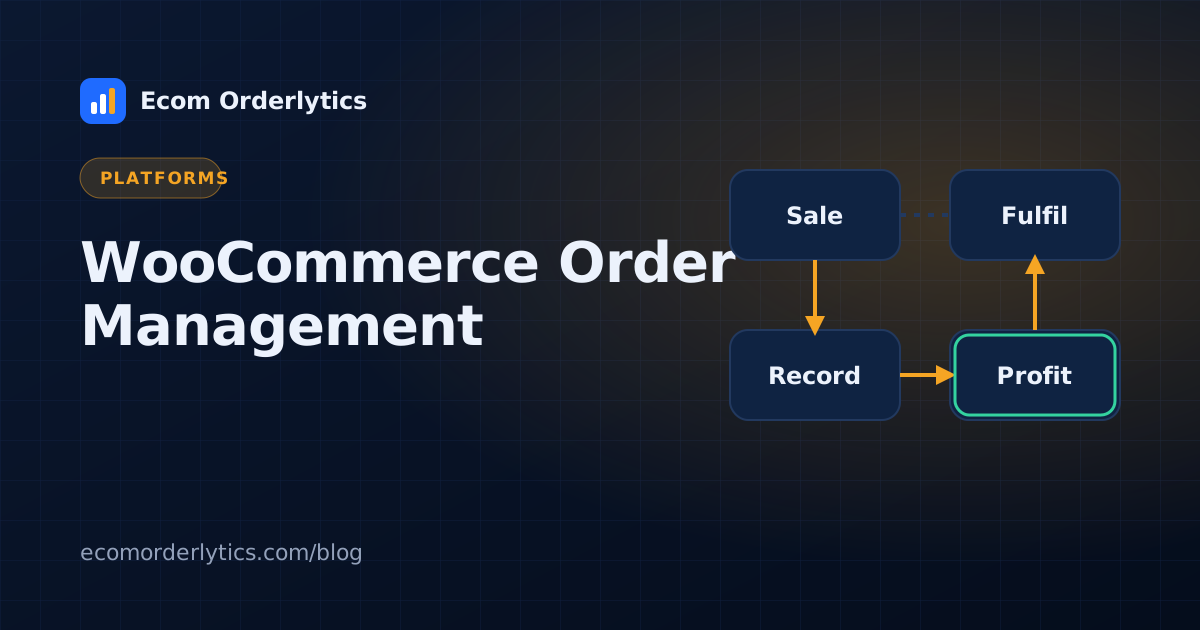
WooCommerce knows your sale price. It usually does not know your supplier cost, packaging, prep or the exact payment fees. Export orders regularly and add those costs, or record them in an order sheet with the same columns as your other channels.
A simple WooCommerce + marketplace setup
- Export WooCommerce orders to CSV weekly (or keep a synced sheet).
- Use the same column layout as your marketplace accounts.
- Import into one dashboard.
- Compare profit, margin and ROI across all channels.
WooCommerce management beyond orders
Most searches for WooCommerce management are about the daily work of running the store, not just orders. A simple weekly routine keeps it under control:
| Area | What to check | How often |
|---|---|---|
| Orders | New, on-hold and failed payments | Daily |
| Stock | Low-stock items and oversells | Daily |
| Plugins | Updates and conflicts after updating | Weekly |
| Backups | A recent backup you can restore | Weekly |
| Payments | Gateway fees and payouts match | Weekly |
| Profit | Margin per product after fees and shipping | Weekly |
Choosing a WooCommerce order management system
A WooCommerce order management system is worth it when you also sell on marketplaces, ship from more than one place, or have staff processing orders. Check that it handles WooCommerce order statuses correctly, sends tracking back to the order, and does not slow your site down. Order data can also be exported to a sheet or CSV to track profit outside WordPress. For the bigger picture, see ecommerce order management.
Using Ecom Orderlytics with WooCommerce
Ecom Orderlytics does not connect to WooCommerce directly. Import WooCommerce order exports by CSV or Excel, or keep a Google Sheet of orders that syncs every 10 minutes. Your store then sits alongside eBay, Amazon, Etsy or TikTok Shop with profit per account. See multichannel order management.
Frequently asked questions
Does WooCommerce have order management built in?
Yes. WooCommerce has an orders screen for viewing, updating, refunding and noting orders. Plugins add more features.
How do I export WooCommerce orders?
Use WooCommerce's built-in reports or an order export plugin to download orders as CSV.
Can I track WooCommerce and marketplace profit together?
Yes. Export WooCommerce orders to CSV or a sheet and combine them with marketplace accounts in one dashboard.