On this page
Selling on more than one marketplace spreads risk and opens new customers. It also multiplies admin. Each channel has its own reports, its own fees and often its own currency. Without a system, you end up with five dashboards and no clear answer to "which channel actually makes money?"
The core problem
Each marketplace shows you its own sales. None of them shows you your profit across all channels. That view only exists if you build it from your own order data.
A simple multichannel system
- One account = one sheet or tab. Keep each store separate.
- Same columns everywhere. Date, order ID, payout, sourcing, shipping, prep, status, tracking.
- Record the currency per account. An eBay UK store is GBP; an Amazon US store is USD.
- Mark the marketplace for each account, so you can group results by channel.
- Review per account first, then per channel.
What to compare across channels
| Metric | Why it matters |
|---|---|
| Net margin | Shows how much of each sale you keep on that channel |
| ROI | Shows how hard your cash works there |
| Refund rate | High refunds can wipe out a good margin |
| Orders per day | Shows where demand is growing |
Compare percentages, not raw totals, when currencies differ. Our guide to multi-currency ecommerce explains why.
When spreadsheets stop working
Two or three accounts in Google Sheets is manageable. Ten accounts across three marketplaces and two currencies, with VAs editing, usually is not. Formulas break, summaries go stale, and month-end takes days.
Choosing which channels to add
Adding a channel is not just about more buyers. Before you open a new one, compare it with the channels you already run:
- Fees and payout timing: how much and how fast you get paid.
- Return expectations: some marketplaces see more returns in certain categories.
- Shipping speed expectations: slower suppliers may suit one channel and not another.
- Account requirements: documents, verification and policies differ by marketplace and country.
- Your team's capacity: each channel needs daily attention.
Start one new channel at a time, track it separately for at least a month, then decide.
A weekly multichannel review
| Day | Task |
|---|---|
| Monday | Check orders and refunds per account for last week |
| Wednesday | Compare margin by channel; flag anything that dropped |
| Friday | Decide where to add listings or VA time next week |
Signs a channel is not working
- Margin consistently below your other channels
- Refund rate much higher than elsewhere
- Account health warnings or listing removals
- More VA time per order than other channels
A channel that fails two or more of these for two months is a candidate to pause, so you can focus on the ones that pay.
One dashboard for every channel
Ecom Orderlytics connects to each account's order sheet with Google Sheet auto-sync (every 10 minutes), plus CSV, Excel and paste imports. Every account keeps its own marketplace and currency, and you see sales, payout, expenses, profit and ROI per account, per day and per month.
Basic covers up to 3 accounts, Pro up to 10 and Agency up to 25. Compare plans.
Frequently asked questions
What is multichannel order management?
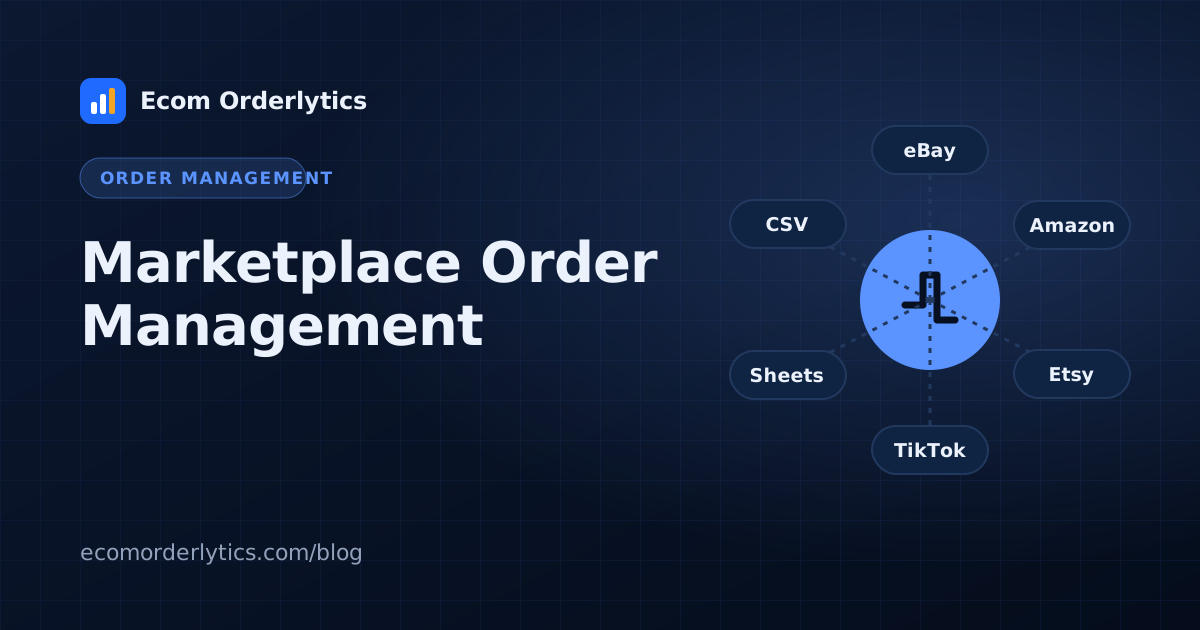
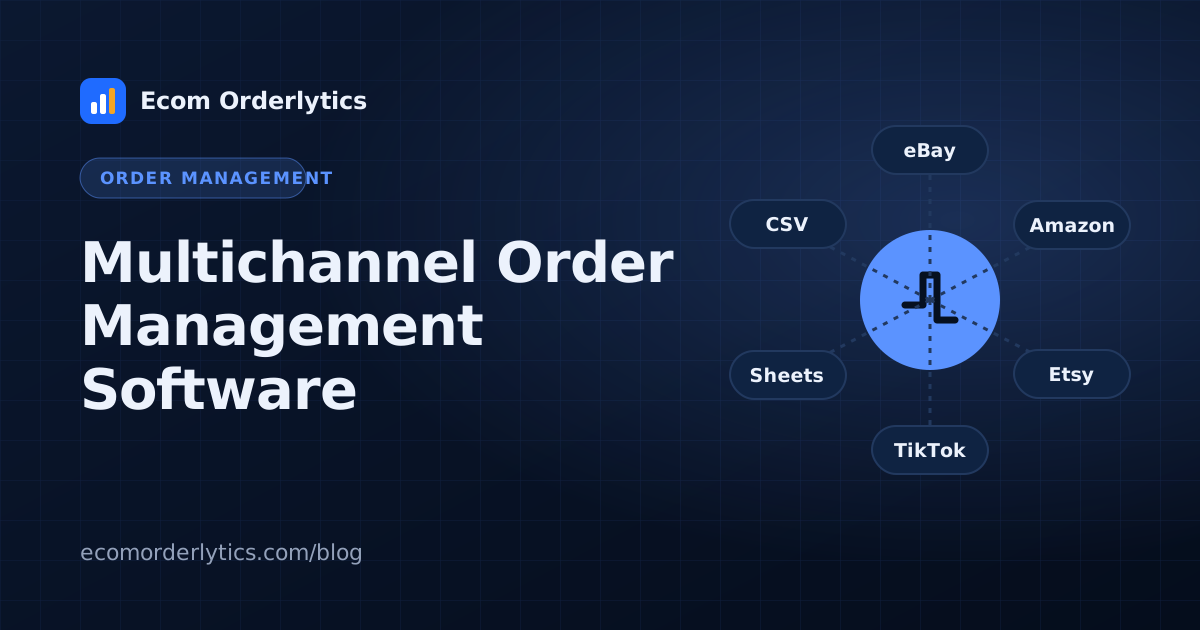
Managing orders from several sales channels, such as eBay, Amazon, Etsy and TikTok Shop, with one consistent process and one view of results.
Should each marketplace have its own sheet?
One sheet or tab per account is fine, as long as every sheet uses the same columns.
How do I compare channels that use different currencies?
Keep each account in its own currency and compare margin and ROI, which are percentages, rather than adding raw totals.