On this page
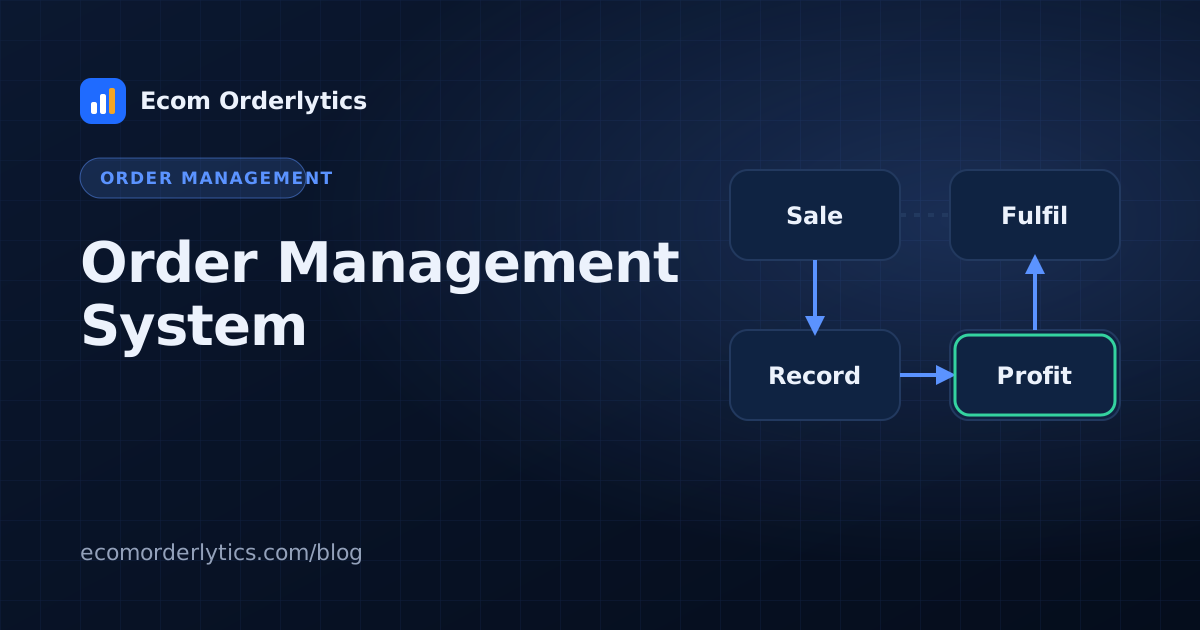
An order management system (OMS) is the central record of every order your business takes: where it came from, what it contains, its status, its costs and what it earned. Large retailers run complex OMS platforms. Most marketplace sellers need something much lighter.
The core parts of an OMS
- Order capture: orders arrive from marketplaces, stores or manual entry.
- Order record: one consistent record per order with ID, date, items and amounts.
- Processing: fulfilment, sourcing or routing to a supplier or warehouse.
- Status tracking: placed, shipped, delivered, refunded, cancelled.
- Reporting: totals and profit by account, channel, day and month.
- Access control: who can see and change which orders.
Signs you need an order management system
- Orders live in several places and nobody trusts the totals.
- You run more than two or three accounts.
- More than one person enters orders.
- Clients, partners or investors ask for regular reports.
- You cannot answer "what did we earn last month per account?" in under an hour.
Enterprise OMS vs lightweight OMS
| Enterprise OMS | Lightweight OMS for marketplace sellers | |
|---|---|---|
| Setup | Weeks to months, often with consultants | Hours |
| Data source | Deep integrations | Sheets, CSV, Excel and team entry |
| Focus | Inventory, warehouses, routing | Profit, accounts, teams, clients |
| Cost | High | Small monthly plan |
A lightweight OMS built on your sheets
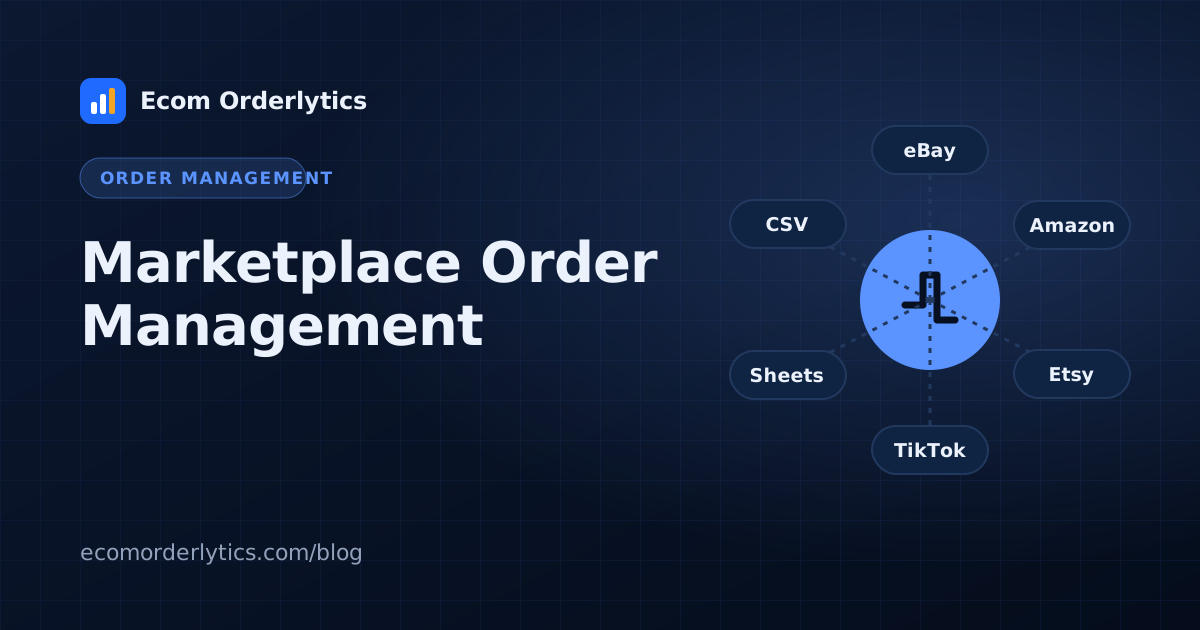
Ecom Orderlytics works as a lightweight order management system for marketplace sellers and agencies. Your orders stay in the Google Sheets your team already uses (synced every 10 minutes), or come in from CSV, Excel, paste or manual entry. The system keeps every business separate, gives each VA and client their own login, and turns orders into sales, payout, expenses, profit and ROI per account.
How to start
- Standardise your order columns (see our order tracker columns).
- Add each store with its marketplace and currency.
- Connect each sheet and import history.
- Review the dashboard daily and reports monthly.
New to the topic? Read what is ecommerce order management first.
Frequently asked questions
What does OMS stand for?
Order management system: software that records, processes and tracks orders across channels.
Is an OMS the same as an ERP?
No. An ERP covers the whole business (finance, purchasing, HR). An OMS focuses on orders.
Can a spreadsheet be an order management system?
At small scale, yes. A well-structured sheet plus a dashboard can work as a lightweight OMS for marketplace sellers.