On this page
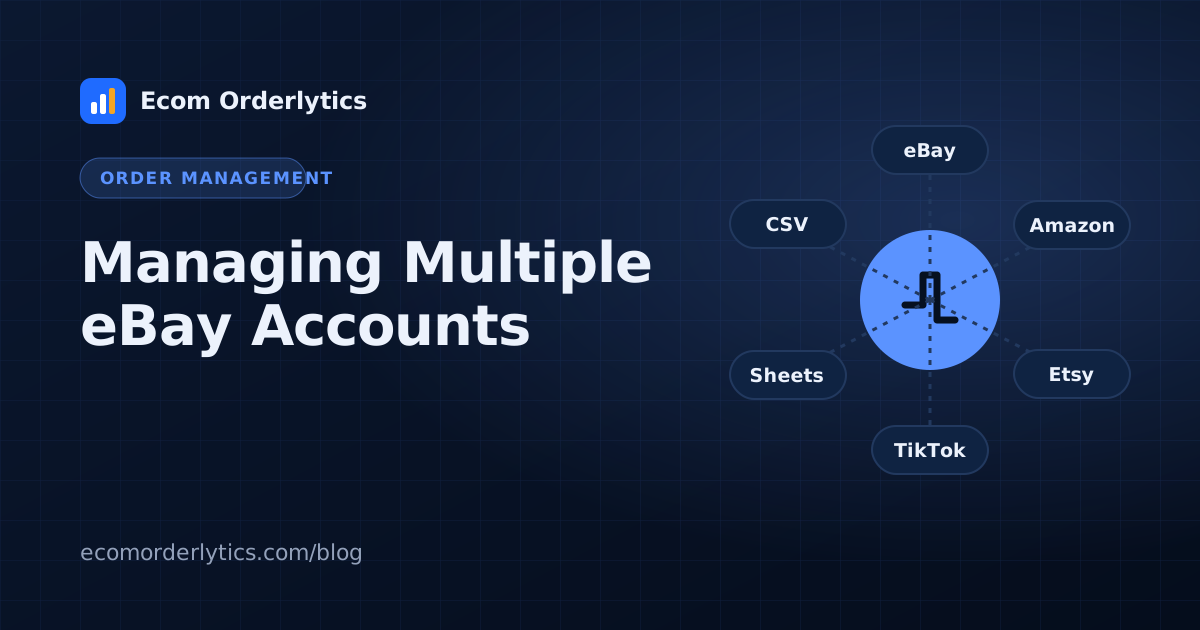
Many sellers and agencies run several eBay accounts, for different markets such as UK and US, different niches, or different clients. Each extra account adds orders, people and numbers to keep straight.
Important: marketplace policies on multiple accounts change and depend on your situation. Always check eBay's current rules before opening or running additional accounts. This article focuses on organisation and tracking.
Give every account an identity
Record for each account:
- Account name or code
- Marketplace and country (eBay UK, eBay US)
- Currency (GBP, USD)
- Status (active, paused, closed)
- Assigned VA and, for agencies, the client
One sheet layout for all accounts
Use the same columns everywhere. See our order tracker template. Consistency is what lets you compare accounts.
Keep currencies separate
Do not add a UK account's pounds to a US account's dollars. Compare margin and ROI instead, and read multi-currency ecommerce tracking.
Watch account health
Track feedback, active listings and any warnings per account alongside profit. A falling metric is often an early sign of a problem.
Review each account monthly
Profit, margin, ROI and refund rate per account. Close or fix accounts that consistently underperform.
A simple account register
Keep one list of all accounts with these columns:
| Code | Marketplace | Currency | Status | VA | Client | Monthly profit |
|---|---|---|---|---|---|---|
| UK-01 | eBay UK | GBP | Active | VA 1 | — | £2,130 |
| US-02 | eBay US | USD | Active | VA 2 | Client A | $710 |
| UK-03 | eBay UK | GBP | Paused | — | — | — |
Example numbers for illustration.
A register makes it obvious which accounts are active, who runs them and which ones need attention.
Splitting work between VAs
- Group accounts by marketplace or niche so each VA builds expertise.
- Balance by order volume, not account count.
- Keep a backup VA trained on each account for leave and sick days.
When to close an account
If an account stays unprofitable after two review cycles and you have already tried fixing prices, products and suppliers, closing or pausing it frees VA time for accounts that pay. Keep its history; closed accounts still belong in past reports.
One dashboard for all accounts
Ecom Orderlytics handles up to 3 accounts on Basic, 10 on Pro and 25 on Agency, each with its own marketplace and currency, VA assignment and Google Sheet sync.
Frequently asked questions
Is it allowed to run multiple eBay accounts?
Marketplace rules on multiple accounts change and vary by situation. Always check eBay's current policies for your case before opening another account.
How do I track profit across several eBay accounts?
Keep one sheet per account with the same columns and view them together in a dashboard, each in its own currency.
Should each account have its own VA?
Not necessarily, but each VA should only access the accounts they work on.