Home / Blog / Order management

Order management

Inventory Synchronization Software: Keeping Stock Accurate Across Channels

How inventory synchronization software keeps stock levels in step across marketplaces and stores, what can go wrong, and how to measure the cost of overselling.

By the Ecom Orderlytics team4 min read

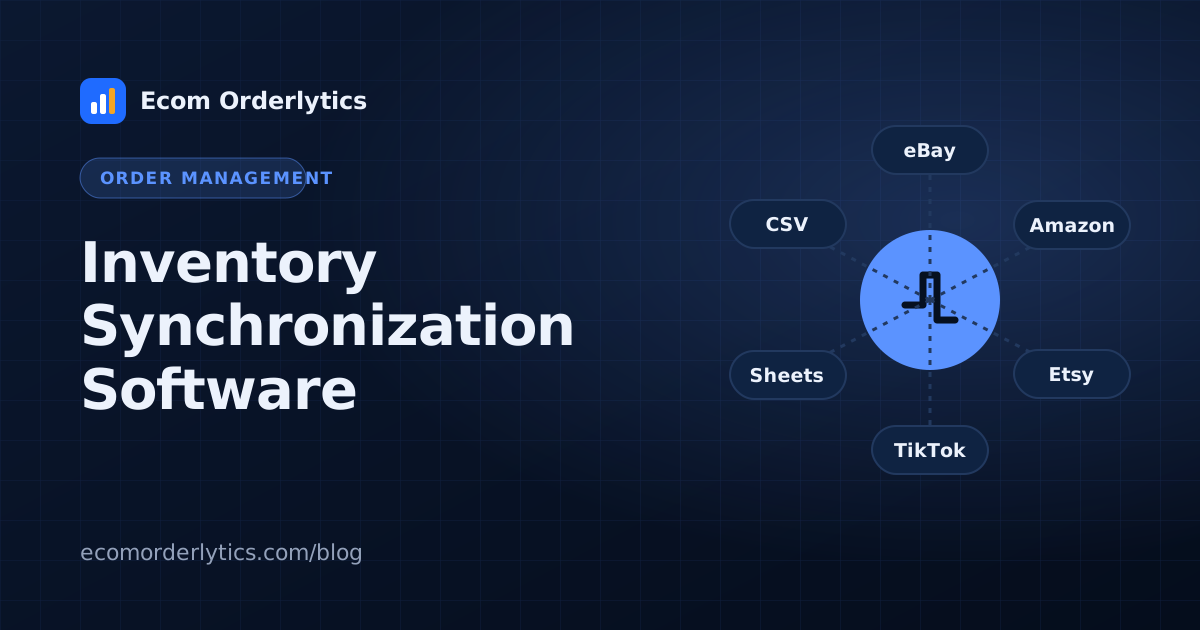
Inventory Synchronization Software: Keeping Stock Accurate Across Channels – Ecom Orderlytics blog illustration
On this page
  1. How inventory sync works
  2. What can go wrong
  3. Dropshippers and supplier stock
  4. Measure the cost of overselling
  5. Inventory sync and profit tracking
  6. Frequently asked questions

Selling the same product on several channels is efficient until one item sells twice. Inventory synchronization software keeps stock counts in step across your stores and marketplaces, so a sale on one channel reduces the available stock everywhere.

How inventory sync works

  1. One system holds the master stock count.
  2. Each sale on any channel reduces the master count.
  3. The new count is pushed to every connected channel.
  4. Restocks increase the count and update channels again.

What can go wrong

  • Sync delays: two sales land before the update arrives.
  • Mismatched SKUs: one product has different codes on different channels.
  • Bundles and variants that deduct the wrong items.
  • Manual edits on one channel that never reach the master count.

Dropshippers and supplier stock

If you dropship, you do not hold stock. The risk is your supplier running out. Instead of full inventory sync, many dropshippers:

  • Check supplier stock on top products daily
  • Use repricing or monitoring tools for supplier availability
  • Pause listings quickly when a supplier is out

Measure the cost of overselling

Every oversold order becomes a cancellation or a refund. Track cancellations caused by stock problems per account each month. If they are rising, inventory sync or supplier monitoring is worth the investment.

Inventory sync and profit tracking

Ecom Orderlytics does not synchronise inventory. It shows the result of stock problems: cancelled and refunded orders, their cost and their effect on profit per account. Pair an inventory tool with the dashboard, and read multichannel order management for the wider setup.

Frequently asked questions

What is inventory synchronization?

Keeping stock counts the same across every channel, so when an item sells on one marketplace, the others update.

Do dropshippers need inventory sync?

They often need supplier stock checks rather than full sync, because they do not hold stock themselves.

What happens when inventory is not synced?

You can sell items you do not have, which leads to cancellations, refunds and account health problems.
See your real profit, account by account.Free 7-day trial with every feature. Keep your Google Sheets.
Start free trial

← All articles

Free 30-minute live demo available

See your real profit, account by account.

Start a 7-day free trial and we’ll set everything up with you, or book a live demo and see Ecom Orderlytics running on real numbers first.

  • Set up within one working day
  • No card needed for the trial
  • Your data stays yours

Video

Write a review

Tell other sellers how Ecom Orderlytics works for you. Reviews appear on the website after a quick check.

Your rating
0 / 1500
Upload your video or Short to YouTube, then paste its link here.
Use your Ecom Orderlytics login email to get the “Verified customer” badge.

Start your free trial

Two quick steps. It takes about a minute.

Step 1 of 2: your details
What would you like?
Plan
Enter your name.
Enter an email like name@example.com.
Enter your WhatsApp number with country code, like +92 300 1234567.
Choose your country.
Use at least 8 characters.You’ll sign in with this email and password at app.ecomorderlytics.com.
Free for 7 days. No payment details needed.

Book a free live demo

Pick a time that suits you, then tell us about your business.

Step 1 of 2: choose a day and time
Choose a day
Choose a day for your demo.
Choose a time (Pakistan time, GMT+5)

Choose a day first.

Choose a time for your demo.
Free, no obligation. We confirm your slot on WhatsApp.