On this page
Shopify order automation is about removing the clicks you repeat every day. The best automations are simple, clear and easy to check.
Automation ideas for Shopify orders
| Workflow | What it does |
|---|---|
| Tag high-value orders | Flags orders above a set amount for a manual check |
| Tag risky orders | Holds orders with mismatched details for review |
| Route by product | Sends certain products to a specific supplier or printer |
| Notify the team | Posts a message when an order needs attention |
| Low stock alerts | Warns before a product sells out |
| Export to reporting | Sends order data to a sheet or reporting tool |
Shopify's own automation tool, Shopify Flow, and many apps can handle workflows like these. Availability depends on your plan and apps, so check what you have access to.
Start with the most repeated task
Write down every manual step your team does on Shopify orders for one week. The step done most often, with the clearest rule, is your first automation.
Test every automation
- Build it for one product or tag.
- Run test orders.
- Check the result for a week.
- Then widen it.
Automations that run silently can cause silent mistakes, so keep a weekly review of exceptions.
Do not forget reporting
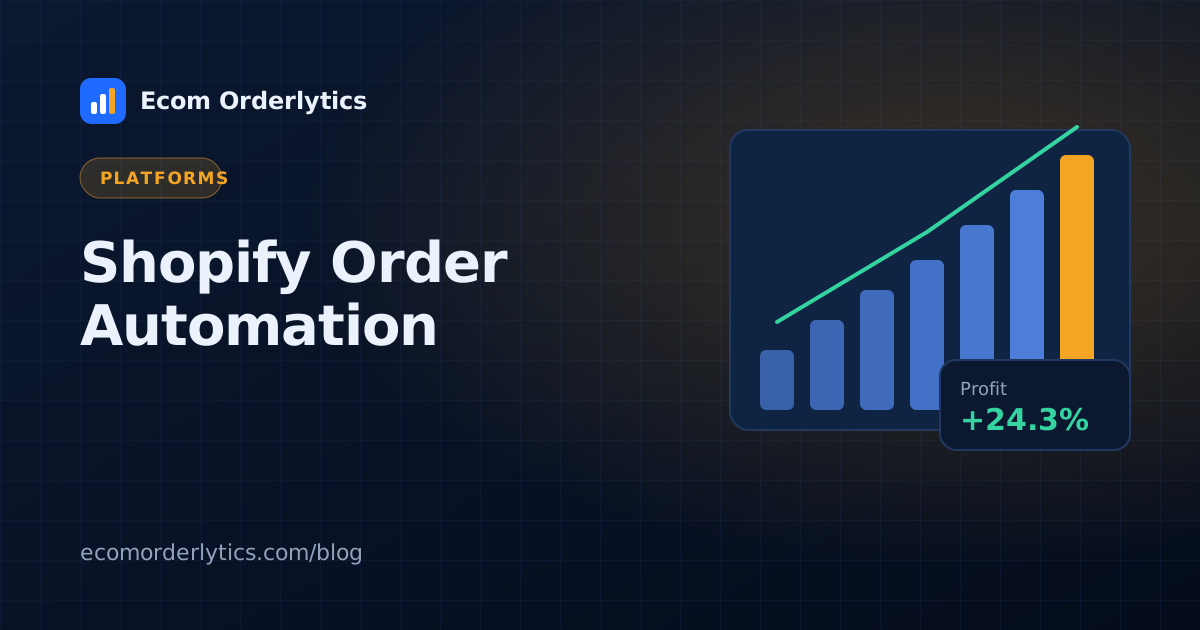
Many Shopify sellers automate fulfilment and still build profit reports by hand. Reporting is often the biggest time saving. Export Shopify orders to CSV or a synced sheet, and let a dashboard add your costs and calculate profit.
Shopify and your other channels
If you also sell on marketplaces, Ecom Orderlytics shows your Shopify store next to eBay, Amazon and TikTok Shop accounts, using CSV imports or synced sheets. Read Shopify order management software for the full setup.
Frequently asked questions
What can I automate in Shopify orders?
Common automations include tagging orders, routing to fulfilment partners, notifying your team about high-value or risky orders, and sending order data to other tools.
Do I need an app for Shopify automation?
Shopify offers its own automation tool, Shopify Flow, on some plans, and many apps add more. Check what is available on your plan.
How do I automate Shopify profit reporting?
Export or sync your orders into a reporting tool that adds your costs and calculates profit per store.