On this page
Order fulfillment software helps you get each order from "sold" to "delivered". The right choice depends on how you fulfil, and the best results come when fulfilment data feeds into your profit numbers.
Common fulfilment models
| Model | Who ships | What to track |
|---|---|---|
| Self-fulfilment | You or your team | Packing cost, shipping cost, time to ship |
| Dropshipping | Your supplier | Supplier order ID, supplier cost, tracking |
| Print on demand | Print provider | Print cost, reprints, shipping |
| 3PL / warehouse | Fulfilment partner | Fees per order, storage, delivery times |
| Marketplace fulfilment | The marketplace | Fees deducted, inbound shipping, returns |
Fulfilment metrics to track
- Time to ship: hours or days from order to dispatch
- Tracking on time: share of orders with tracking added before the deadline
- Fulfilment cost per order: shipping, packaging, prep and fees
- Refund and return rate by product and supplier
- Late deliveries by carrier or supplier
The gap: fulfilment vs profit
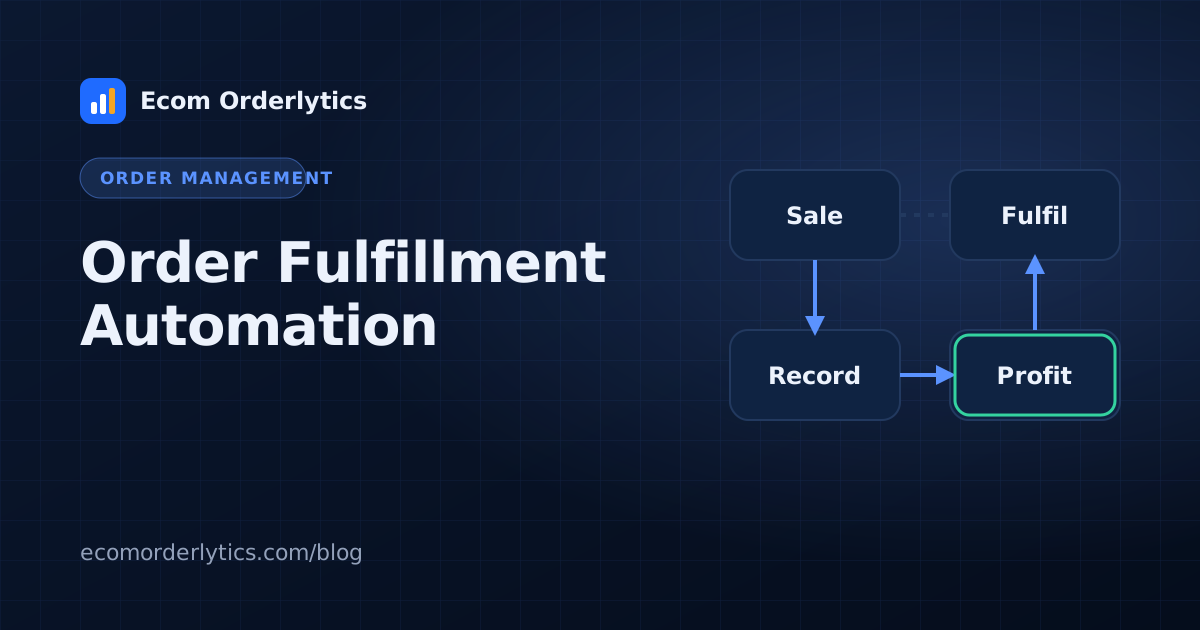
Fulfilment tools are built to move orders. They rarely combine your marketplace payout, supplier cost, shipping, prep, refunds and monthly expenses into one profit figure. That is why many sellers who have great fulfilment still cannot say what each account earned.
Connect fulfilment to profit
Record fulfilment costs on each order row: supplier or print cost, shipping, prep and status. Then total by account and month. Our guide to calculating eBay profit per order shows the formula.
Where Ecom Orderlytics helps
Ecom Orderlytics is not a shipping or warehouse tool. It sits next to whatever fulfilment you use and shows what fulfilment cost and what each order earned. VAs record supplier order IDs, costs, statuses and tracking in their sheet or the VA portal, and the dashboard shows sales, payout, expenses and profit per account.
Frequently asked questions
What is order fulfillment software?
Software that helps get orders from sale to delivery: picking, packing, shipping, routing to suppliers or warehouses, and tracking.
Which fulfilment metrics matter most?
Time to ship, tracking added on time, refund and return rate, and fulfilment cost per order.
Does fulfilment software show profit?
Usually not fully. Most fulfilment tools track the delivery side; profit needs your payout and every cost combined.