On this page
Order processing is the daily work of turning each sale into a delivered, recorded order. It is repetitive, which makes it perfect for clear processes and the right software, and it is where small mistakes quietly cost money.
The order processing workflow
- Receive the order from the marketplace.
- Verify address, item and any buyer notes.
- Source or pick the item; record supplier order ID and cost.
- Ship and add tracking before the deadline.
- Update status as delivered, refunded or cancelled.
- Record payout when the marketplace pays.
- Review profit per account daily or weekly.
Errors that cost the most
| Error | Cost |
|---|---|
| Duplicate supplier orders | You pay twice for one sale |
| Late tracking | Account health warnings, refunds |
| Wrong address copied | Lost parcel, refund, re-ship |
| Refund not recorded | Profit looks higher than reality |
| Cost not recorded | Margin looks better than it is |
What order processing software should do
- Keep one record per order with a unique ID to catch duplicates
- Make statuses clear and consistent
- Show each person only their accounts
- Turn processed orders into daily and monthly figures automatically
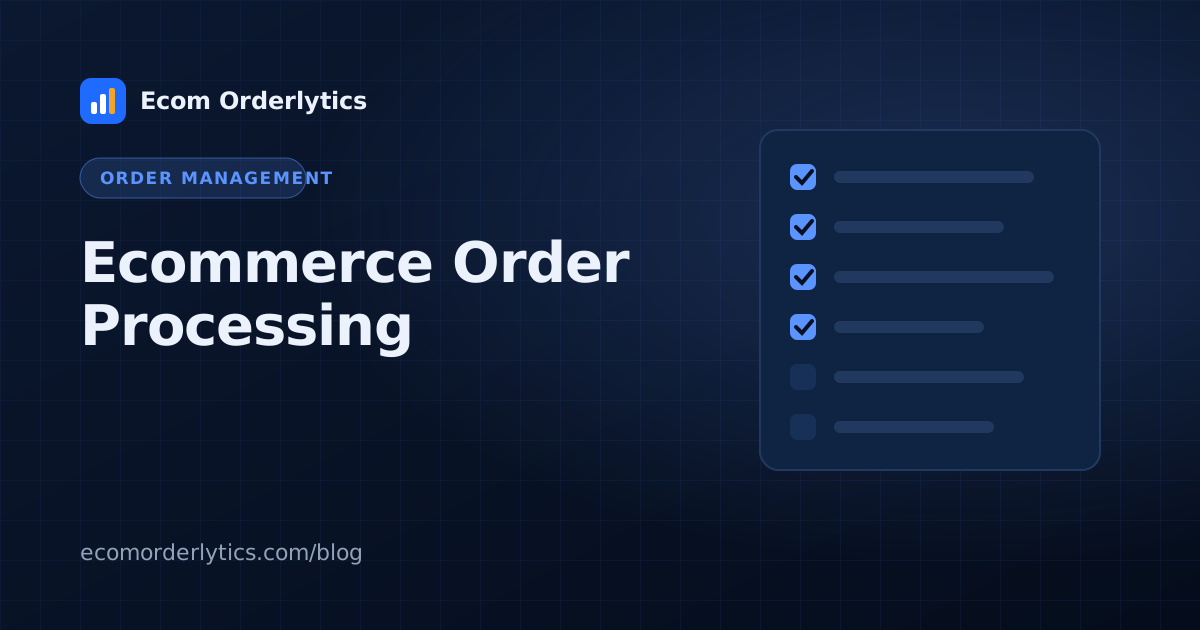
A daily processing checklist for VAs
- New orders recorded with order ID and date
- Supplier orders placed and IDs recorded
- Costs entered on every row
- Tracking added for all shipped orders
- Refunds and cancellations marked, never deleted
How to process an ecommerce order, step by step
For a single order, whether it comes from a website or a marketplace, web order processing follows the same path:
- Payment confirmed. Do not ship unpaid or flagged orders.
- Order acknowledged. The buyer gets a confirmation, usually automatically.
- Picked and packed, or sent to the supplier or warehouse.
- Label created and the parcel handed to the carrier.
- Tracking uploaded to the website or marketplace.
- Delivered, then the order is closed or a return is opened.
- Costs recorded: item, shipping, fees and any refund.
Website vs marketplace order processing
| Your website | Marketplaces | |
|---|---|---|
| Rules | Yours | The marketplace's dispatch and tracking rules |
| Payment | Your payment gateway | Paid by the marketplace after fees |
| Buyer messages | Your inbox | Inside the marketplace |
| Penalties for late orders | Unhappy customers | Account limits and held payouts |
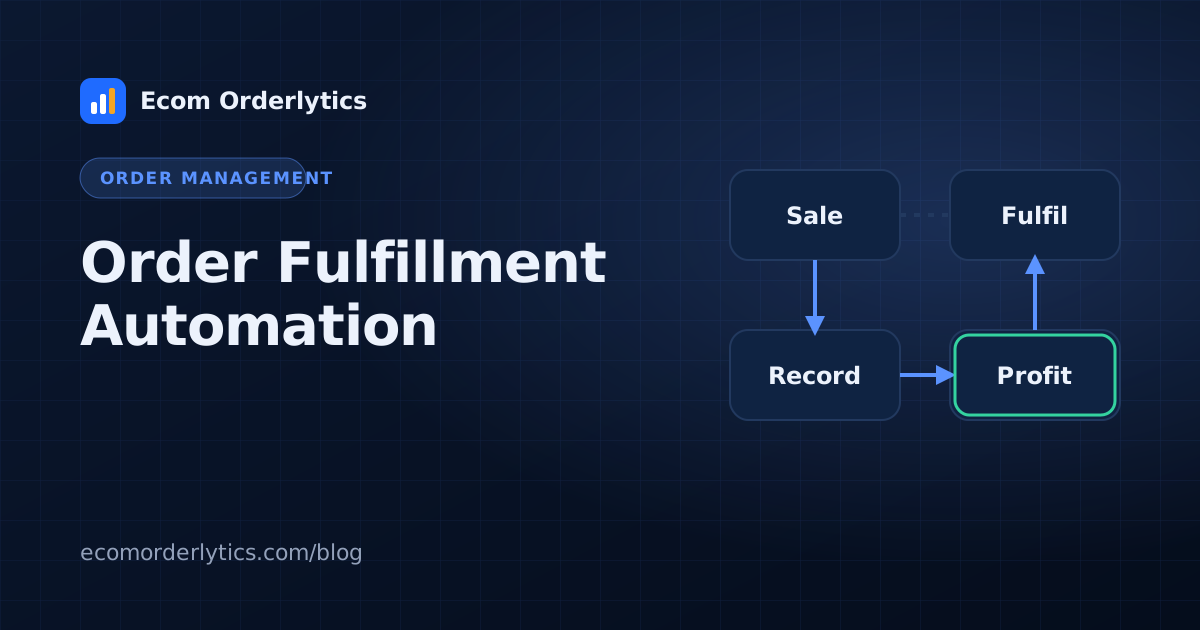
Automating the steps above is covered in automated order processing and order fulfillment automation.
Processing and reporting in one flow
With Ecom Orderlytics, VAs process orders in their Google Sheet or VA portal as usual. Each order syncs into the dashboard, where duplicates are matched by order ID and totals update automatically. You see the result of the day's processing as sales, payout, costs and profit per account, without building reports.
Frequently asked questions
What are the steps of ecommerce order processing?
Receive the order, verify it, source or pick the item, ship it, add tracking, handle delivery or returns, and record payout and costs.
What is the most common order processing error?
Missing or wrong data: duplicate orders, wrong statuses and costs never recorded.
How can I reduce processing errors?
Use one standard sheet layout, data validation, a daily check, and access limited to each person's accounts.