On this page
Every seller's process is a little different: special products, VIP customers, personalised items, wholesale orders, different suppliers. Custom order workflow automation builds rules around how you actually work instead of forcing you into a generic process.
Step 1: Map your current workflow
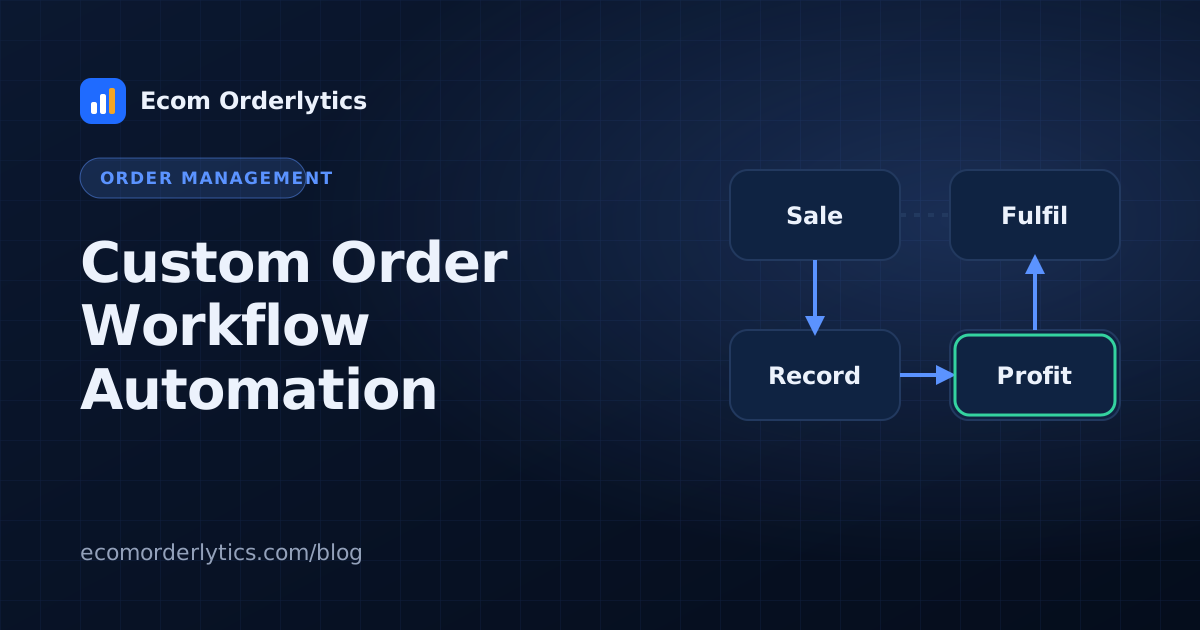
Draw each step from order to profit, including who does it and what decision they make. Note the exceptions that come up every week.
Step 2: Turn decisions into rules
Write each decision as "if this, then that":
- If the order total is above a set amount, flag it for review.
- If the item is personalised, add it to the production queue.
- If the buyer is in the EU, use the EU supplier.
- If a refund is issued, mark the status and notify the account owner.
Step 3: Choose where each rule lives
| Rule type | Typical home |
|---|---|
| Routing and splitting | Order routing tool |
| Store-level tagging | Store automation (for example Shopify Flow) |
| Team tasks | Task or chat tool |
| Data and reporting | Order sheet plus dashboard |
Step 4: Test safely
- Build one workflow for one account.
- Run real orders through it for two weeks.
- Compare with the manual result.
- Then expand.
Step 5: Keep humans on exceptions
Automation handles the routine. People handle unusual addresses, angry buyers, supplier problems and anything new.
Custom workflows and reporting
The more custom your workflow, the more important a single, reliable view of results becomes. Ecom Orderlytics does not build workflows, but it keeps the data side simple: whatever your process, orders land in one dashboard with profit per account, VA and client. See order automation software for where to start.
Frequently asked questions
What is a custom order workflow?
A sequence of steps and rules designed around how your business handles orders, rather than a fixed default process.
Do I need a developer for custom workflows?
Not always. Many order and automation tools offer no-code rule builders. Complex integrations may need technical help.
How do I avoid breaking things?
Change one workflow at a time, test with real orders, and review exceptions weekly.